
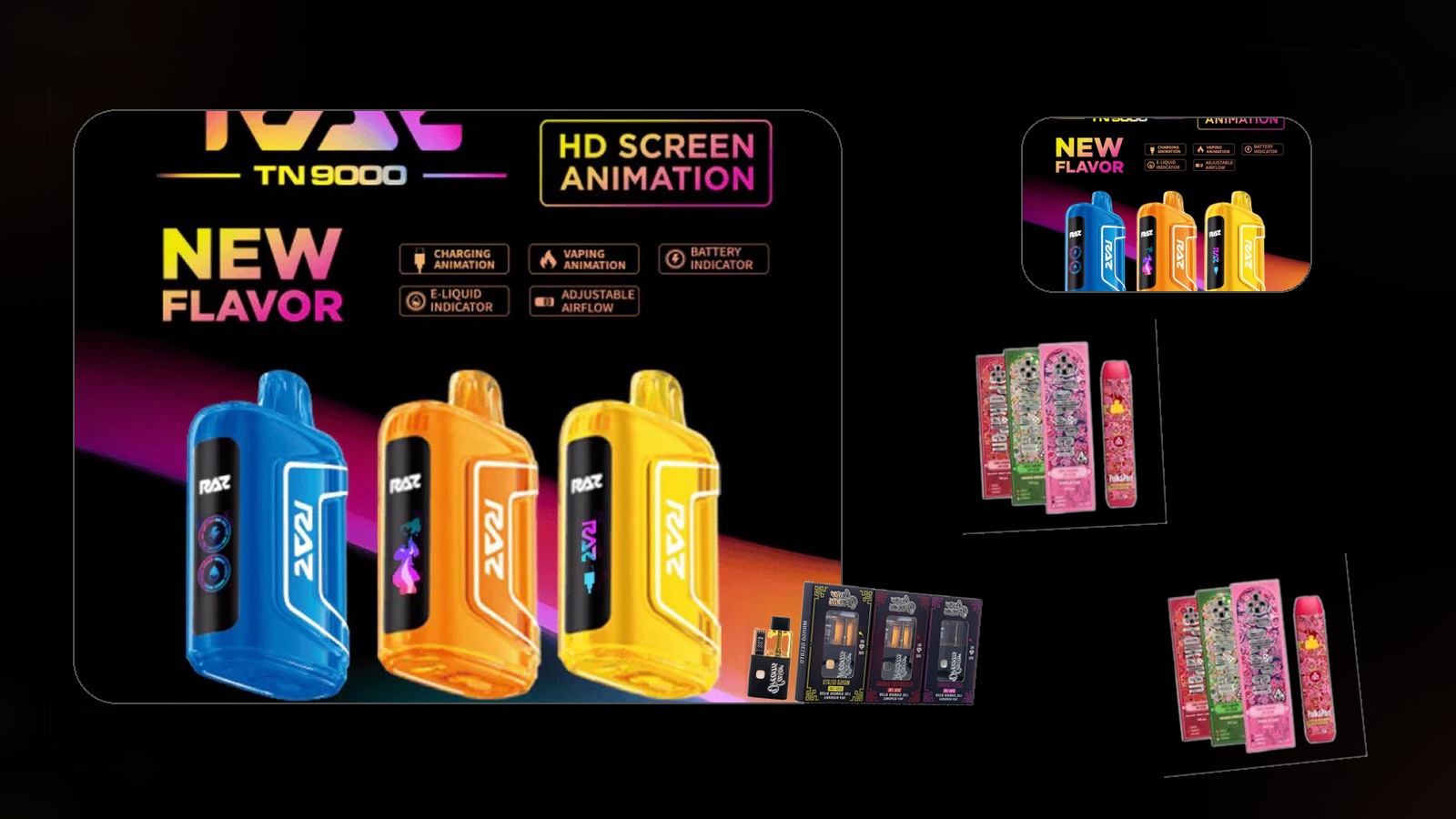
Disposable Vape Screens and Indicators Explained
Disposable vape screens look helpful at first glance, but they can also make the shelf more confusing when every brand seems to use different icons, percentages, or mode names. The good news is that most of these screens are still trying to tell you a small set of practical things: how much battery you may have left, whether the device is in a different power mode, and whether the product is signaling a simple status change or a problem you should pay attention to.
Key Takeaways:
- Disposable screens usually focus on a few practical signals like battery level, mode changes, or basic device status rather than telling the whole story of how the product will perform.
- Icons and numbers can vary by brand, so adult customers should treat the screen as a guide, not as something with one universal meaning across every disposable.
- The best use of a screen is to make smarter comparisons and simpler routine decisions, not to overread every symbol like it is a technical mystery.
That is why a screen explainer matters. A device can feel more advanced without necessarily being more useful if you do not understand what the display is trying to help you with. Once you know the common patterns, the category becomes much easier to shop.
This guide is for adult customers in Las Vegas who want a practical way to interpret disposable screens and indicators without assuming every device uses the same system.
Why Screens Show Up on Disposables in the First Place
The point of a screen is usually not to turn a disposable into a complicated gadget. It is there to surface quick information that some adults find useful while shopping or using the device. That can mean battery status, a mode change, or a simple confirmation that the product is reacting differently than it was a moment ago.
For shoppers comparing the category more broadly, this disposable-features guide is a strong companion piece because it helps put screens in context with the other features that may actually matter more.
The Most Common Things the Display Is Trying to Tell You
Most disposable screens are trying to communicate one of a few basic ideas. Battery information is one of the most common. Some devices also surface mode information, especially if the product can feel different depending on how it is set. Others give status signals that help explain why the device is acting a certain way at that moment.
The important thing to remember is that the visual style may change from one device family to the next. A percentage, a bar, an icon, or a blinking light can all be trying to solve the same communication problem in different ways.
Do Not Assume One Brand’s Icons Translate Perfectly to Another
One of the easiest mistakes is thinking that a screen layout you learned on one product must carry over perfectly to another. It often does not. That is why comparisons should stay flexible. The device may be pointing you toward similar information, but the way it labels or displays that information can still vary.
You can see that more clearly in side-by-side feature-heavy product comparisons, which is one reason this Geek Bar comparison is useful when you want to think about screens as part of a bigger product decision rather than as a standalone gimmick.
What the Screen Should Help You Do as a Shopper
The best use of a disposable screen is simple: it should help you understand the device better, not make you dependent on decoding it. Adults shopping the category usually benefit most when they use the display as one comparison point alongside fit, flavor direction, and overall convenience.
If you still want the broadest possible starting point before getting into screen details, this full disposable guide gives the category-level context first.
A Better Way to Read the Display
The smartest mindset is to treat the screen like a quick status tool. It can help, but it should not dominate the decision. Battery clues, mode signals, and general status indicators are useful because they make the product easier to read in the moment. They are not a substitute for choosing the right device in the first place.
Once you look at it that way, screens and indicators become less intimidating and more practical. They are simply another piece of information on a device that should still be judged as a whole.